Create an anonymized dump of your local database
OmniFocus supports creating an anonymized version of your data, this should allow me to replicate synching issues without revealing your private data.
To generate an anonymized export do the following:
-
In OmniFocus select Help->Anonymize Database
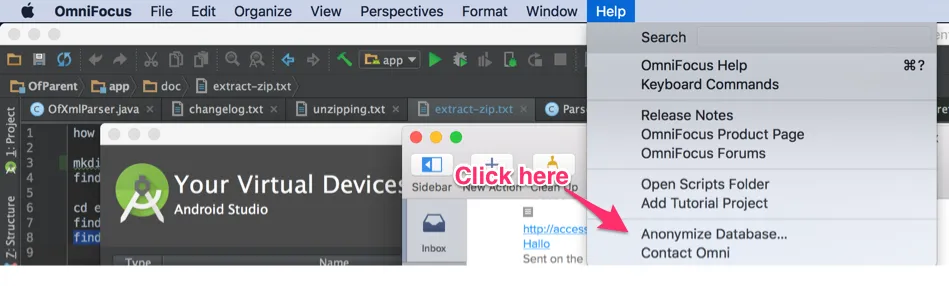
-
OmniFocus will now prompt you for a filename and location where the file should be saved
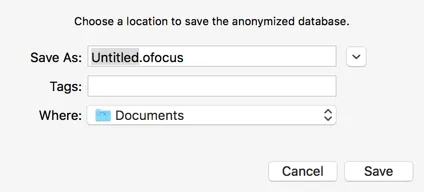
-
Zip the saved document and send it to support at focusgtdapp.com, don’t forget to mention the filename of the task that did not sync.
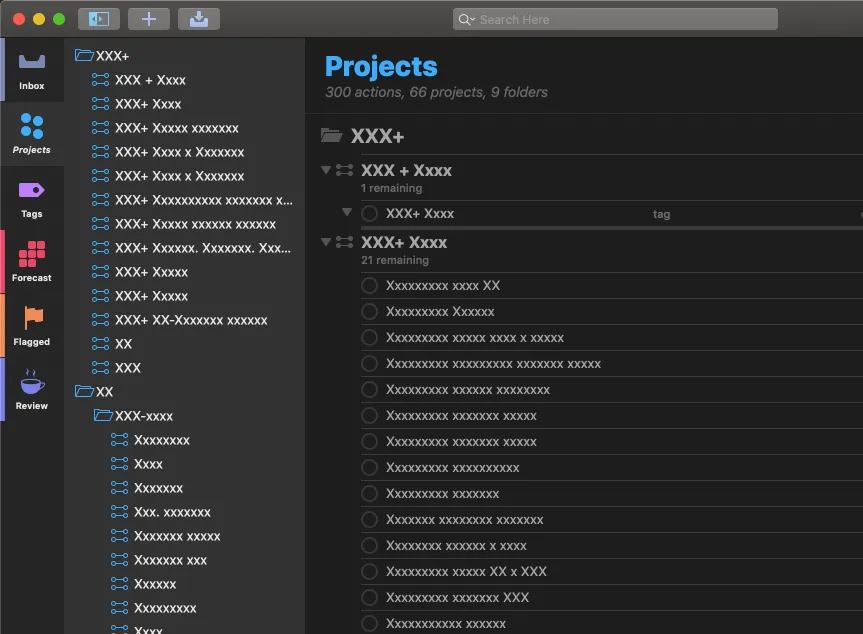
What will my data look like?
Does it really not contain any personal identifiable information?
https://discourse.omnigroup.com/t/anonymize-is-awesome/986 https://www.omnigroup.com/blog/your-data-and-omni
This is what your data will look like: